

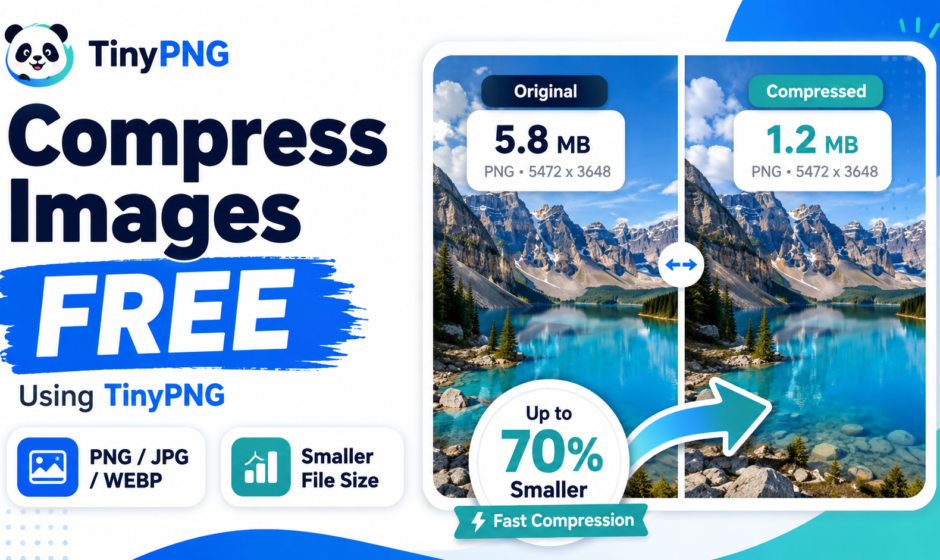

Large image files can significantly slow down website loading speeds, consume excessive cloud storage, and make email attachments difficult to send. TinyPNG provides an effortless, automated solution that reduces image file sizes without compromising visual quality.
In this guide, we will break down what TinyPNG is, highlight its key features, and walk you through a step-by-step tutorial on how to compress your images for free.
What is TinyPNG?
TinyPNG is a widely used online image compression tool that uses smart lossy compression techniques to reduce the file size of WEBP, JPEG, and PNG images.
By selectively decreasing the number of colors in the image, fewer bytes are required to store the data. The effect is nearly invisible to the naked eye, but it results in a massive reduction in file size.
Key Features of TinyPNG
Smart Lossy Compression: Significantly reduces file sizes while maintaining sharp visual quality.
Bulk Processing: Compress up to 20 images at once in a single upload session.
Format Support: Works seamlessly with WEBP, PNG, and JPEG/JPG image formats.
Website Speed Optimization: Helps bloggers and web developers improve site performance and SEO rankings.
Direct Cloud Export: Allows direct saving of compressed files to Google Drive or Dropbox.
Step-by-Step Guide: How to Use TinyPNG
Access the Tool: Click on the “Open Free Tool” button below to open the official web utility.
Upload Your Files: Drag and drop your WEBP, PNG, or JPEG files into the designated drop zone, or click to browse files from your device.
Automatic Compression: TinyPNG will process the images instantly and display the percentage of file size saved.
Download Compressed Files: Click “Download All” to save a ZIP file, or click “Download” next to individual images.
Direct Tool Access
https://tinypng.com
Frequently Asked Questions (FAQs)
Q1: Is TinyPNG completely free to use?
Answer: Yes, the free version allows you to compress up to 20 images at a time, with a maximum file size of 5 MB per image.
Q2: Will compressing images with TinyPNG ruin their quality?
Answer: No, TinyPNG uses advanced algorithms that remove unnecessary metadata and optimize colors while preserving full visual clarity.
Q3: Is there a limit on how many images I can compress per day?
Answer: You can compress up to 20 images per month for free. For higher volume, TinyPNG offers a paid Pro plan.
Conclusion
Whether you are trying to optimize images for a website, free up cloud storage space, or prepare graphics for faster online sharing, TinyPNGec is one of the resolute and reliable free web tools available.