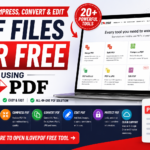
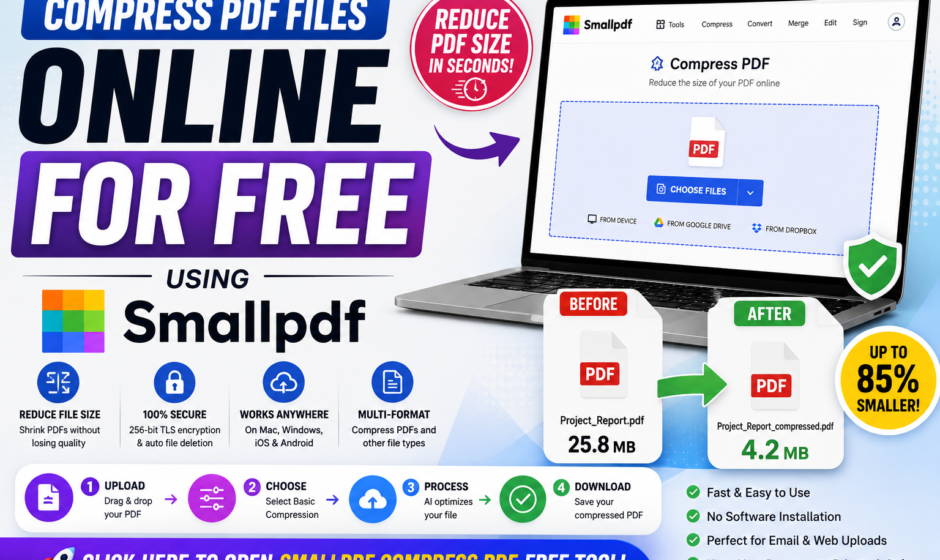

Large PDF documents with high-resolution images or multi-page reports can easily exceed email attachment limits and online form submission thresholds. Smallpdf Compress PDF provides a fast, browser-based solution to significantly shrink your PDF file size while preserving document clarity.
In this guide, we will cover what Smallpdf is, examine its core features, and provide a simple step-by-step tutorial on how to compress your PDF files for free.
What is Smallpdf Compress PDF?
Smallpdf is an intuitive, cloud-based document management platform trusted by millions worldwide. Its online PDF Compressor tool analyzes PDF files to remove redundant data, optimize embedded images, and reduce file sizes without compromising visual text quality.
Because it operates entirely in your web browser, you do not need to download software or configure complicated technical settings to optimize your documents.
Key Features of Smallpdf PDF Compressor
Smart Basic Compression: Reduces file size significantly while keeping visual quality virtually identical to the original.
Cross-Platform Compatibility: Works seamlessly across Mac, Windows, Linux, iOS, and Android web browsers.
Secure Cloud Processing: Protects files with 256-bit TLS encryption and automatically deletes uploads after processing for privacy.
Multi-Format Support: Automatically converts and compresses non-PDF files such as Word, Excel, PowerPoint, and JPG files.
No Software Required: Perform fast file size reductions directly from any desktop or mobile browser.
Step-by-Step Guide: How to Compress a PDF with Smallpdf
- Access the Tool: Click on the “Open Free Tool” button below to launch Smallpdf’s compressor.
- Upload Your PDF: Drag and drop your PDF into the upload area or click “Choose Files” to select from your device, Google Drive, or Dropbox.
- Select Compression Level: Pick “Basic Compression” for the standard free reduction rate.
- AI Processing: Wait a few seconds while the cloud system optimizes your file structure and graphics.
- Download Your File: Click “Download” to save your compressed, smaller PDF directly to your device.
Direct Tool Access
https://smallpdf.com/compress-pdf
Frequently Asked Questions (FAQs)
Q1: Is Smallpdf Compress PDF free to use?
Answer: Yes, Smallpdf offers a free plan for basic compression, though free users are limited to 2 tasks per day. For unlimited use, a Pro subscription is required.
Q2: Will compressing a PDF reduce text and image quality?
Answer: Basic compression maintains high visual clarity for text and photos, making it ideal for standard sharing and printing.
Q3: Are my uploaded documents safe on Smallpdf?
Answer: Yes, Smallpdf adheres to GDPR standards and utilizes 256-bit TLS encryption, automatically removing files from their servers after processing.
Conclusion
If you need a quick, reliable way to reduce PDF file sizes for email or online applications without losing readability, Smallpdf is one of the most efficient web utilities available.