

Managing PDF documents—whether merging multiple files into a single report, shrinking file sizes for email attachments, or converting PDFs to editable Word documents—often requires expensive software subscriptions. iLovePDF offers a comprehensive, browser-based toolkit that simplifies complex PDF management tasks in just a few clicks.
In this guide, we will break down what iLovePDF is, explore its standout features, and show you step-by-step how to manipulate your PDF files for free.
What is iLovePDF?
iLovePDF is an all-in-one web utility designed to make document management accessible and efficient.
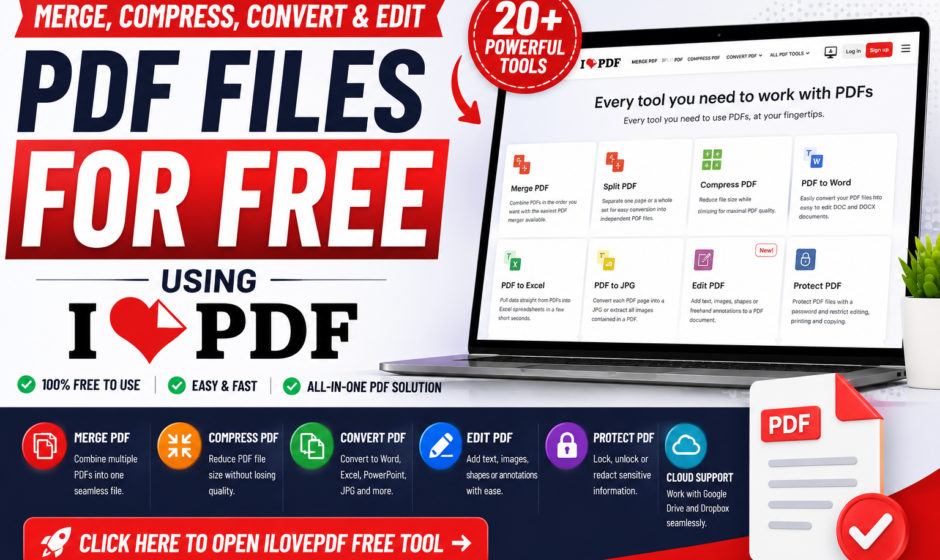
The platform offers over 20 specialized tools to merge, split, compress, convert, edit, unlock, and digitally sign PDF documents directly within your web browser. It eliminates the need to install heavy desktop software for everyday office and academic tasks.
Key Features of iLovePDF
Comprehensive Document Conversion: Convert files between PDF and formats like Microsoft Word, Excel, PowerPoint, and JPG.
PDF Compression: Reduce PDF file sizes while maintaining document clarity and text legibility.
Merge & Split Tools: Combine dozens of separate files into a single PDF or extract specific page ranges effortlessly.
Document Security: Protect PDFs with password encryption, redact sensitive data, or unlock password-protected files.
Cloud Integration: Import files directly from and save processed documents back to Google Drive or Dropbox.
Step-by-Step Guide: How to Use iLovePDF
- Access the Tool: Click the “Open Free Tool” button below to open the official iLovePDF dashboard.
- Select Your Task: Choose the tool you need (e.g., “Merge PDF”, “Compress PDF”, or “PDF to Word”).
- Upload Your Files: Click “Select PDF files” or drag and drop your documents from your computer or cloud storage.
- Process the File: Arrange the pages or select your preferred settings, then click the red action button (e.g., “Compress PDF”).
- Download Your Document: Click “Download” to save your updated file to your device or cloud account.
Direct Tool Access
https://www.ilovepdf.com/pdf_to_word
Frequently Asked Questions (FAQs)
Q1: Is iLovePDF free to use?
Answer: Yes, the free version gives you access to essential web tools for quick tasks without requiring a paid subscription.
Q2: Are my uploaded documents secure on iLovePDF?
Answer: Absolutely. iLovePDF uses secure connections and automatically deletes uploaded files from their servers within two hours to protect user privacy.
Q3: Can I use iLovePDF on my mobile device?
Answer: Yes, you can use the responsive web interface on any mobile browser or download their official app for iOS and Android.
Conclusion
Whether you are preparing assignments, sending professional invoices, or organizing digital archives, iLovePDF provides one of the most reliable and user-friendly web platforms for handling everyday PDF tasks.